DeepSwap
Quick Overview
About DeepSwap
How DeepSwap AI Ended Up Being the One Tool I Use When I Want Something That Looks Too Damn Real
I stumbled on DeepSwap AI after getting fed up with free face swap apps that turned everyone into melted wax figures. Uploaded a selfie and a target photo nothing crazy, just a casual shot of me and a stock model in a suit. Hit swap. First result loaded fast: my face on his body, proportions mostly right, lighting matched decently. Eyes looked a little dead, mouth slightly off. Regenerated with a quick “better expression match.” Second try was scary good. My smirk, my stubble, even the way my hair falls transferred clean. No weird seams. Skin tones blended. Felt wrong how easy it was.
Tried video next. Uploaded a short clip of a guy talking, swapped my face in. Motion held lips synced, head turns natural, expressions carried over. Audio stayed original, but the face? Mine. Glitched a bit on fast movements, eyes lagged once, but for a 10-second clip it was convincing enough to make me pause. Switched to anime style vibrant, clean lines, but the swap kept my features recognizable. Pushed NSFW: lingerie scene from a stock video. Swap worked, body adapted, but hands warped on complex poses. Fixed with a negative prompt for “deformed limbs.”
Always run through my generator first now adds weights for lighting, negatives for artifacts, expression locks. Results jumped from good to pro. Built a series: my face on different bodies, realistic to fantasy, video loops for motion tests. Private gallery kept it all locked.
Free tier gives a taste limited credits, watermarks. Premium $9.99/mo opens unlimited swaps, HD video, no queues. It’s not perfect. Complex group videos glitch hard. Audio desyncs on long clips. Ethical red flags everywhere deepfake potential huge, they block illegal stuff but it’s on you to not be an asshole.
DeepSwap AI is that sharp blade of a tool cuts clean when you know how to handle it, dangerous if you don’t.
Why DeepSwap AI Still Gets My Clicks When Simpler Tools Would Do
I use it when I want precision over speed. Log in, upload source and target face, photo, video. Swap. Refine. Done. Last week: swapped my face onto a gym model clip, added subtle sweat, realistic lighting. Video loop came back smooth, expressions synced, body moved like mine. Felt like watching a parallel me. Creepy good.
My generator prompts are mandatory now layer in “natural skin blend, eye direction match, no distortion blurry seams, dead eyes.” Cuts failures by 70%. Generated a full concept: same face across outfits, scenes, even gender swaps that held features. Video extensions added life short loops of “me” in scenarios I’d never film.
Community Discord’s practical shares LoRAs for better NSFW blends, fixes for mouth sync. Premium’s value: unlimited credits, 4K upscales, longer videos. Free teases with low-res and caps. Mobile browser works, but uploads slow.
Rough spots hit. Group swaps turn chaotic faces bleed, motion breaks. Long videos desync audio. Ethical blocks strict (no non-consensual, age checks), but the power’s there if you skirt lines. Support email’s slow on weekends.
Still, the highs dominate. When a swap lands perfect face yours, body ideal, motion natural it’s that rush of “holy shit, that’s me.” Not for everyday. But for those moments when you want control over the impossible? Nothing touches it.
Key Features
HD Quality
High-definition output for crisp, clear images
Fast Generation
Quick image generation with minimal wait time
Realistic Style
Photorealistic image generation
Advanced Prompts
Complex prompt control and customization
Face Enhancement
Automatic face detection and improvement
Image to Image
Transform existing images with AI
Video Generation
Create videos from prompts
Free Tier
Free plan available with basic features
No Watermark
Clean output without watermarks
Privacy Focused
Your content stays private
NSFW Allowed
Adult content generation supported
No Censorship
Unrestricted content generation
Private Gallery
Private storage for your creations
Easy to Use
Intuitive interface for beginners
Active Community
Join a vibrant user community
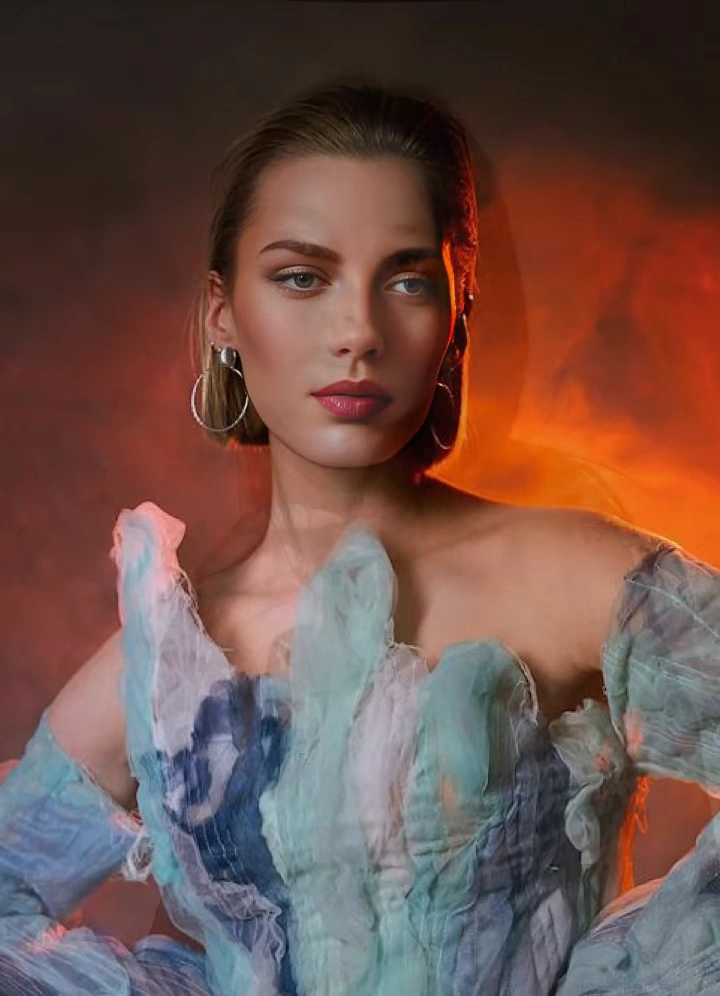
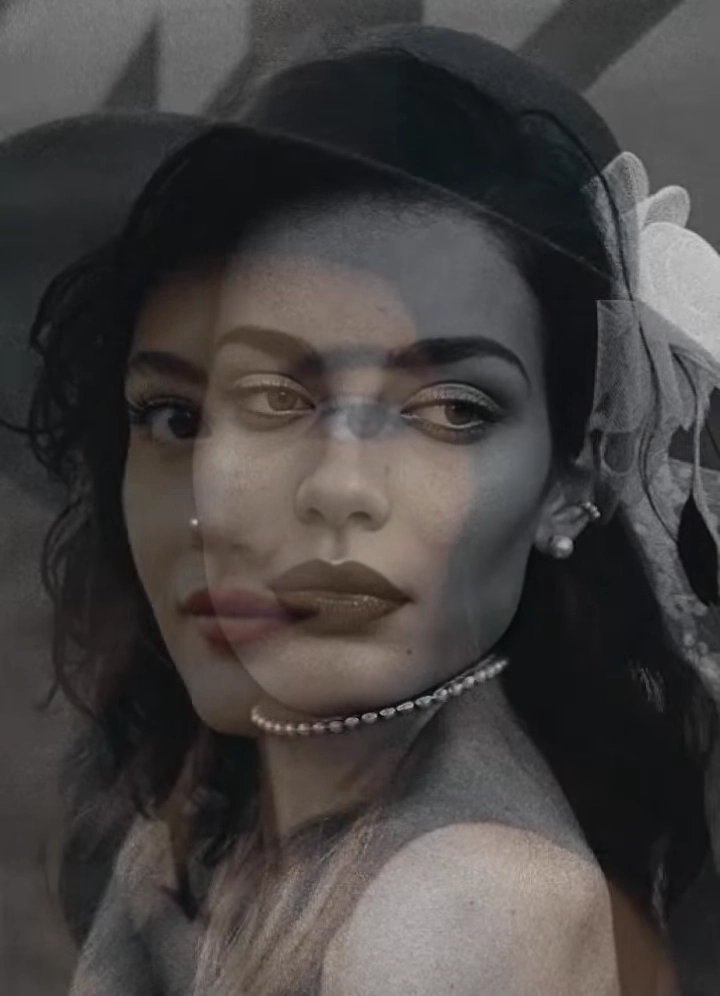
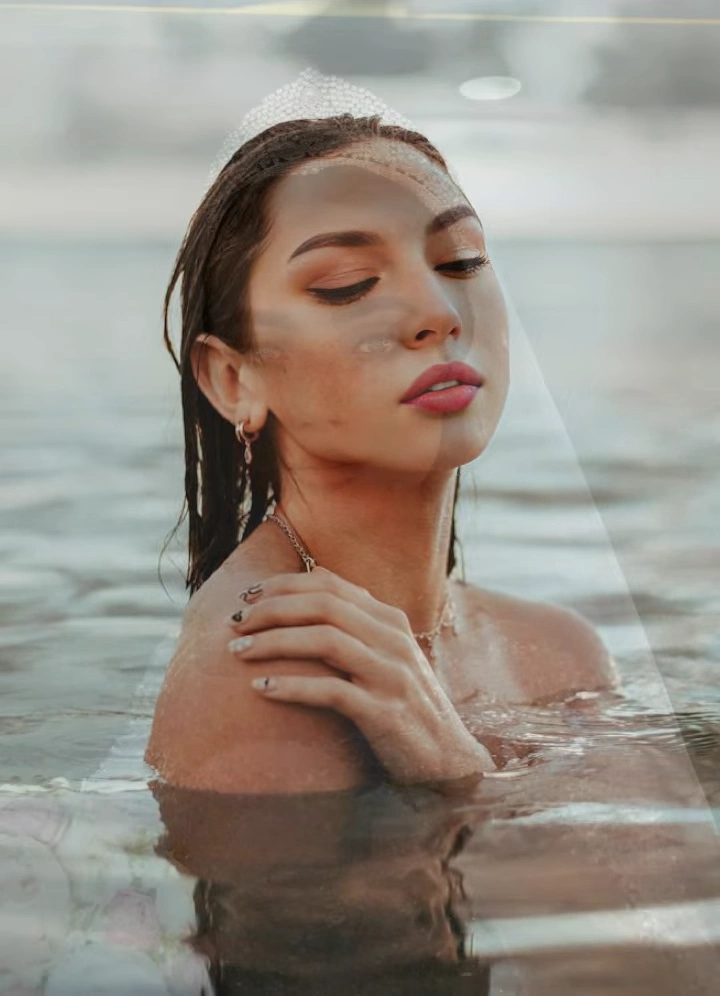
GENERATED CONTENT
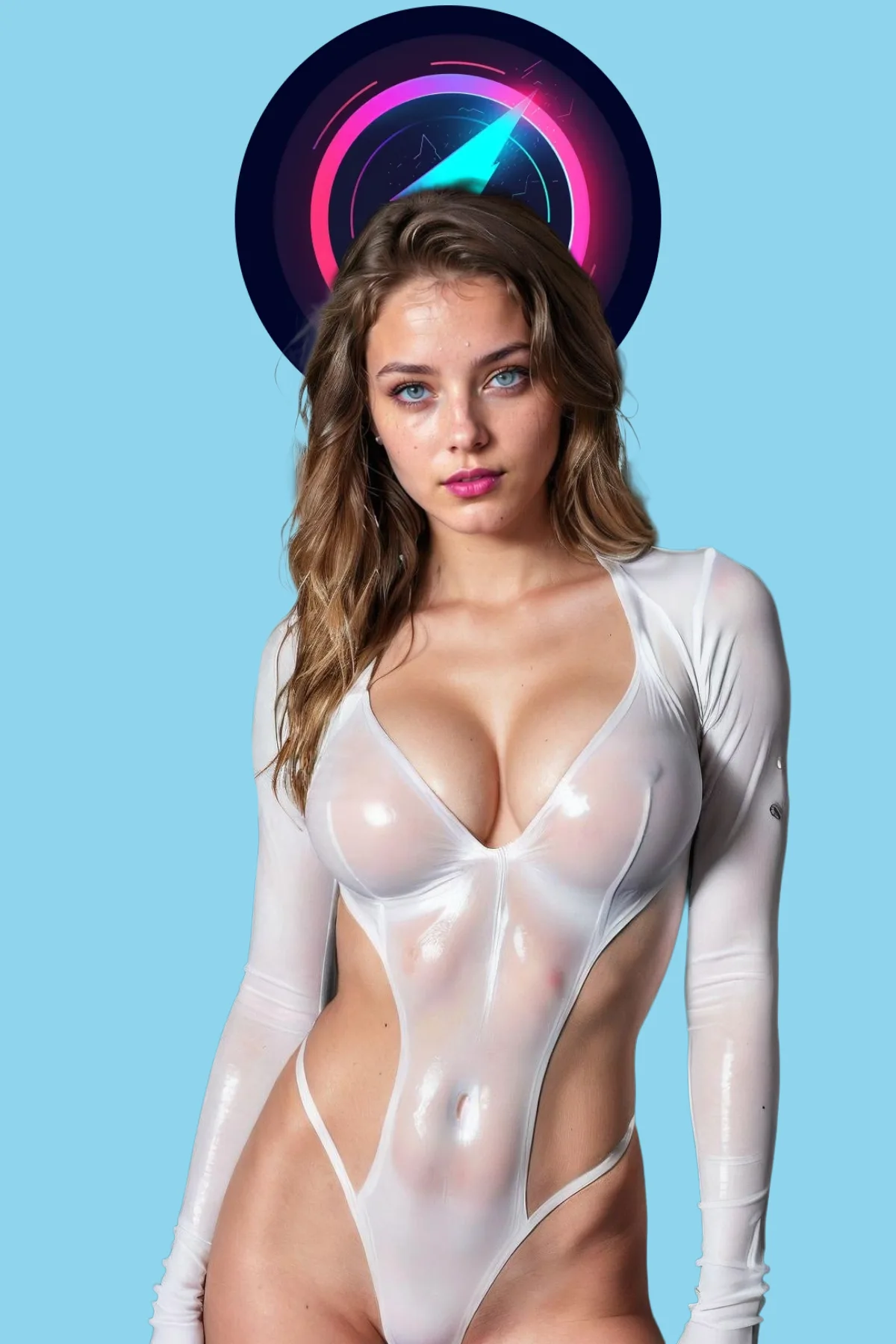
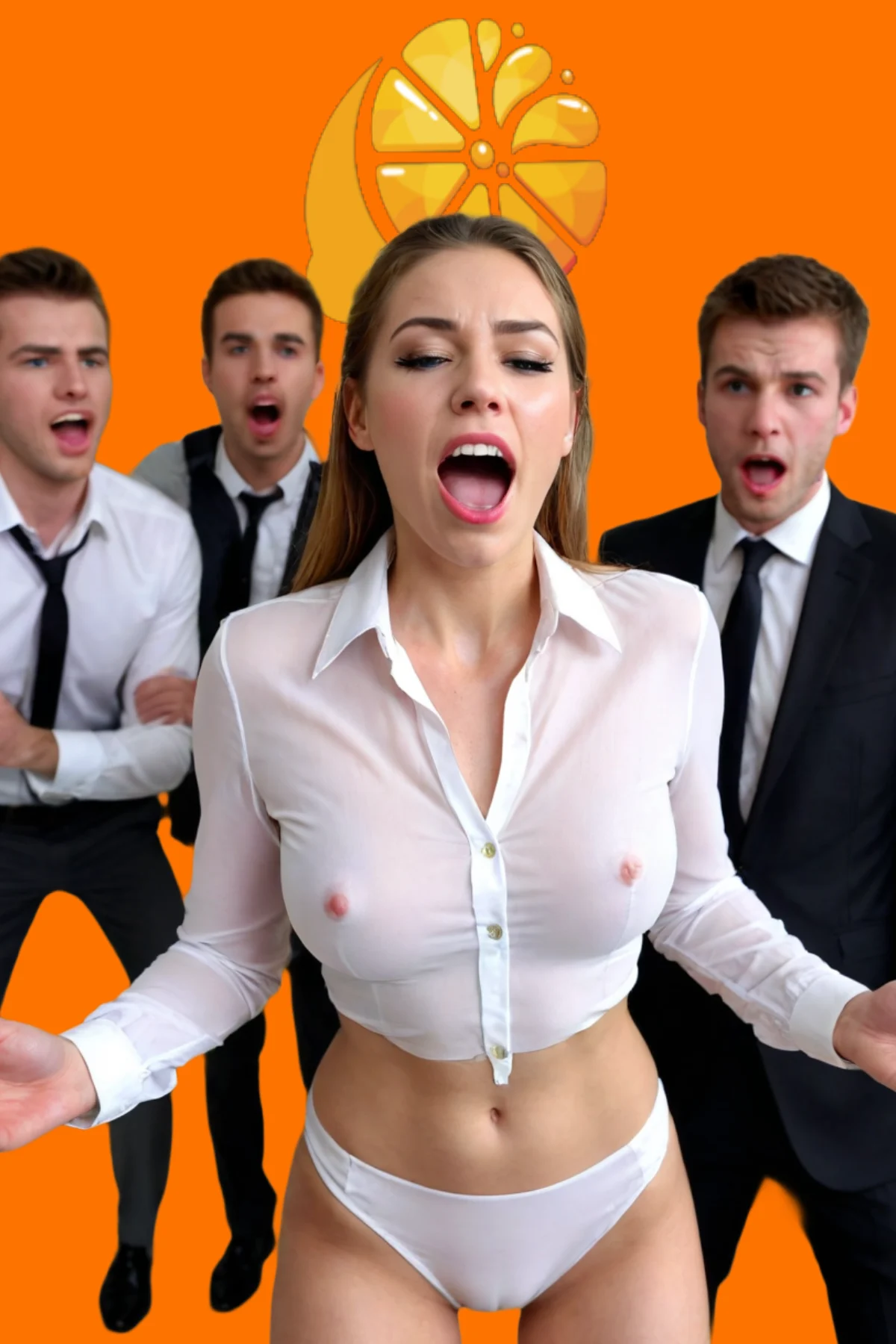
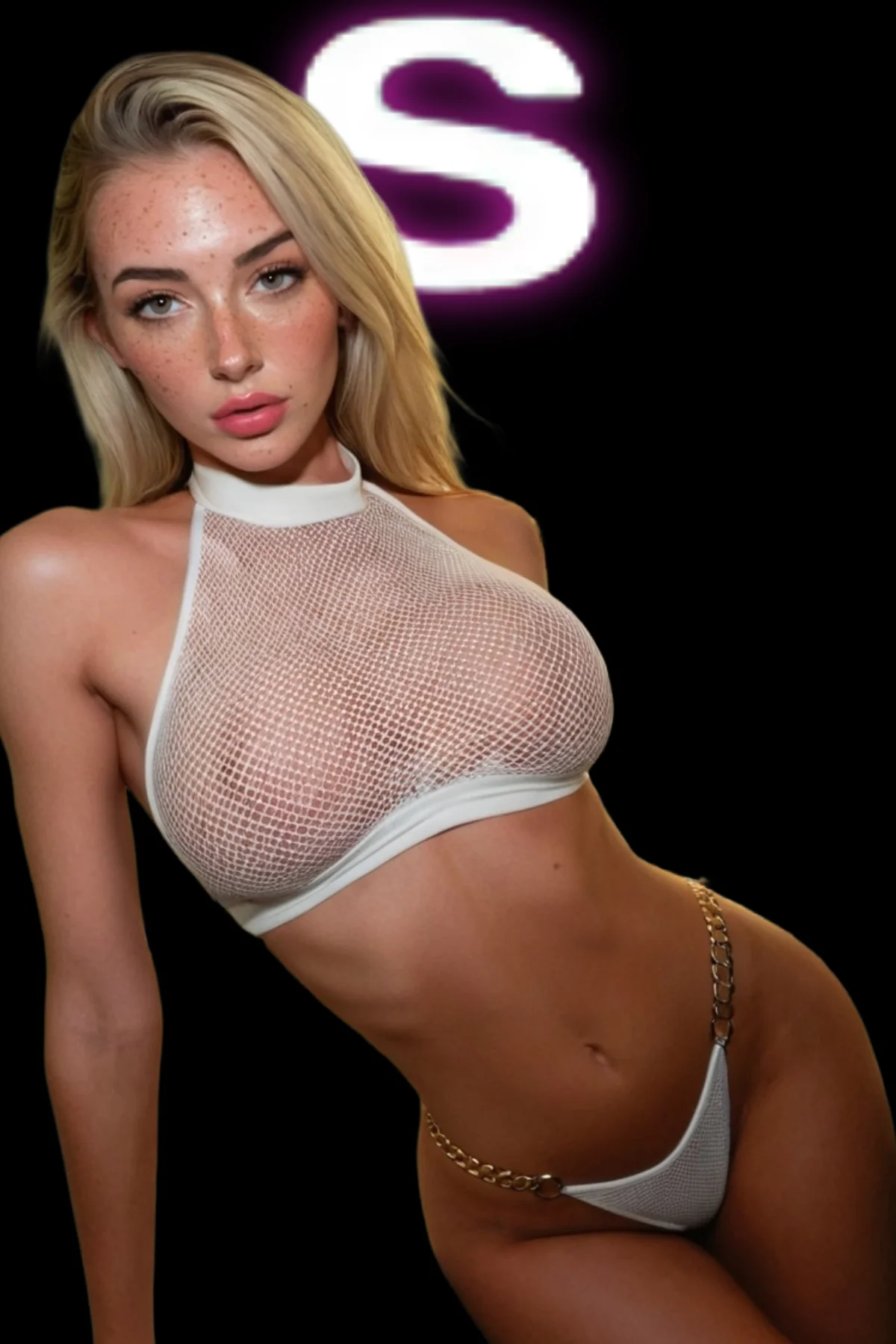
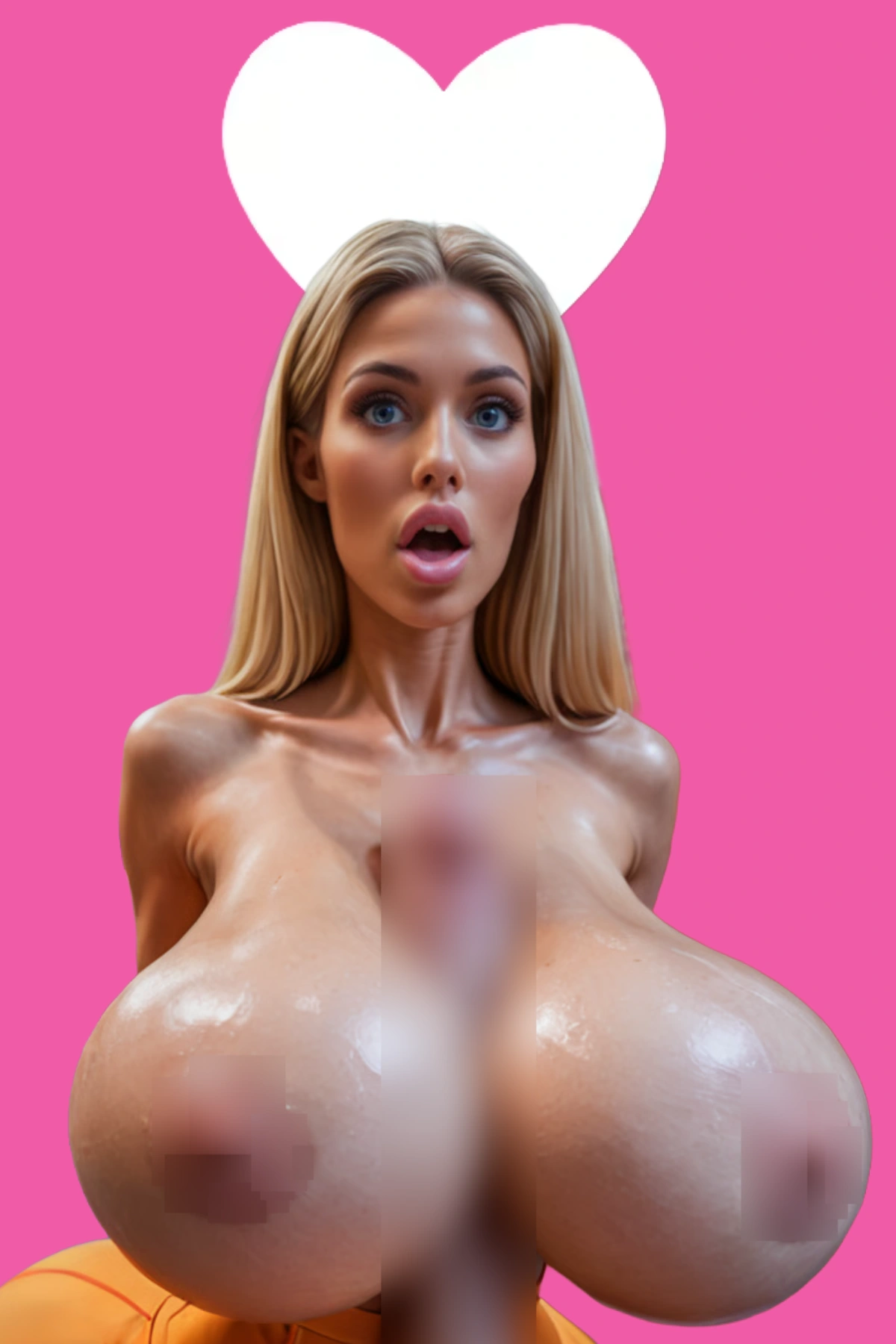
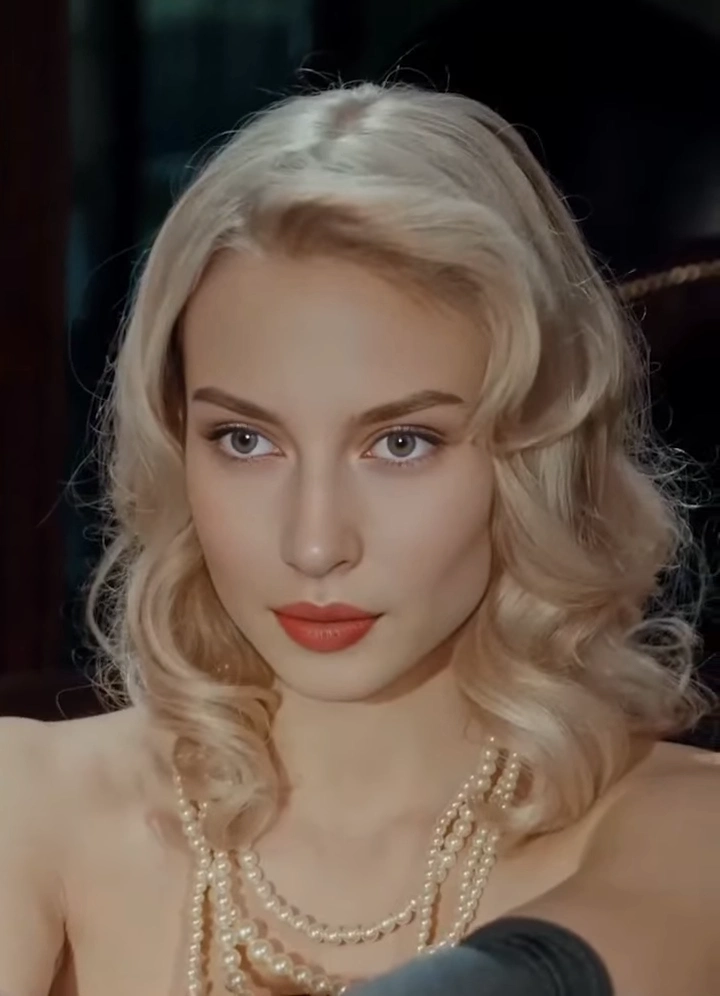
Real results created with DeepSwap
Specs That Matter
| Spec | Value | Quality |
|---|---|---|
| Output Quality | HD | |
| Art Styles | Realistic | |
| Generation Speed | Fast | |
| Pricing Model | Freemium | |
| Free Tier | Available | |
| NSFW Support | Full Support | |
| Watermark | No | |
| Advanced Features | Image to Image, Video Generation |
Pros & Cons
✅ Pros
- Lightning-Fast Face Swaps
- Strong Video Support
- Multiple Content Types
- User-Friendly Interface
- Affordable Premium
❌ Cons
- Ethical and Deepfake Risks
- Glitches on Complex Videos
Frequently Asked Questions
DeepSwap AI is a fast face swap tool for photos, GIFs, and videos—realistic blends for memes, NSFW edits, or fun. Premium for HD/unlimited; I’ve swapped faces for creative projects quick and convincing.
Basic swaps free with limits/watermarks; premium $9.99/mo for unlimited, HD video, no queues. Free good for testing; upgraded for batch and quality.
Privacy encryption, blocks illegal content discreet billing. But deepfake risks high; use ethically on consensual material only.
Yes, premium swaps faces into videos with motion tracking short clips sync well, great for dynamic edits.
Strict no non-consensual/illegal; watermarks trace. Powerful for fun/creatives, but responsibility on user avoid misuse.
DeepSwap better for NSFW/video length; Reface funnier/memes. DeepSwap more realistic swaps on budget.