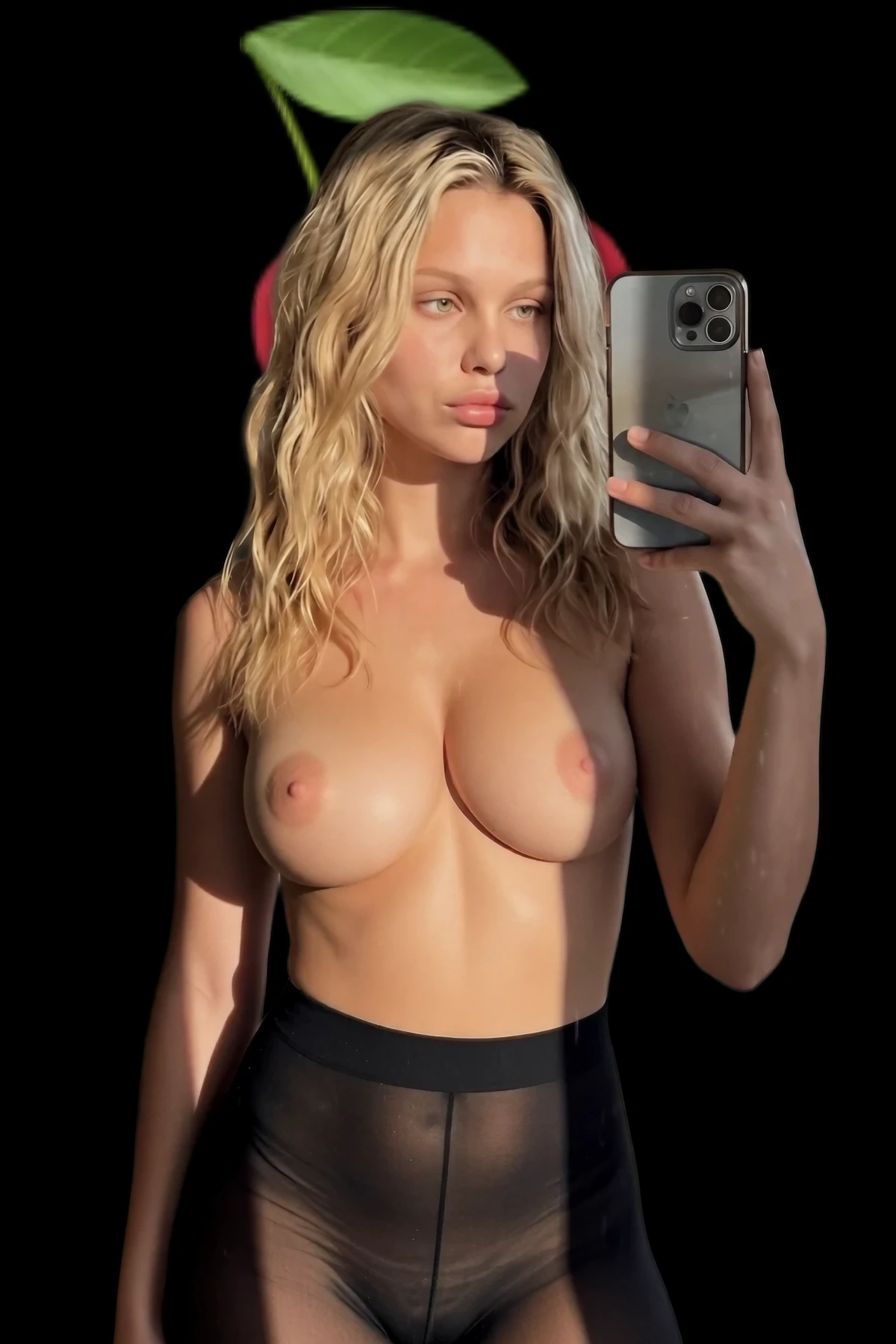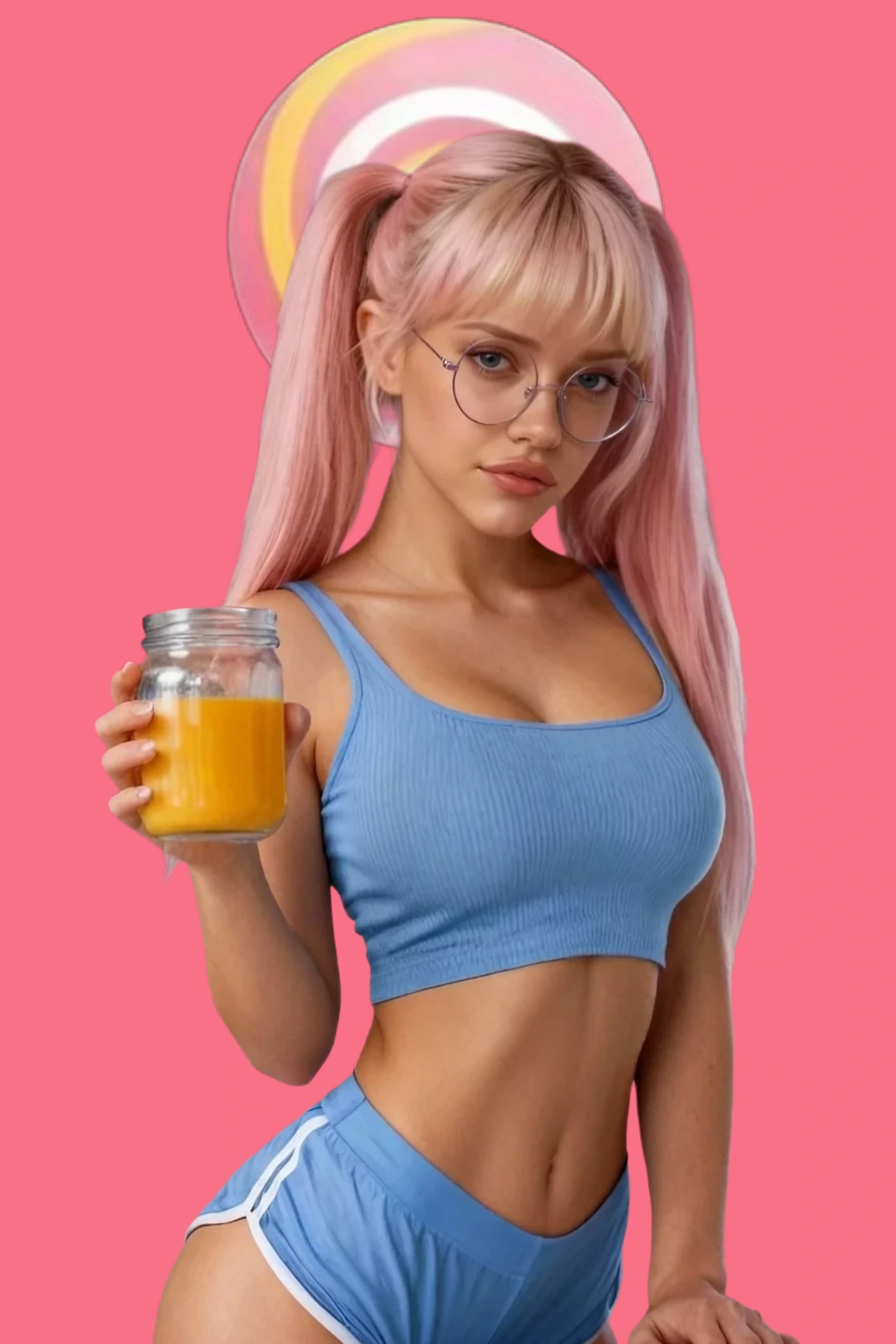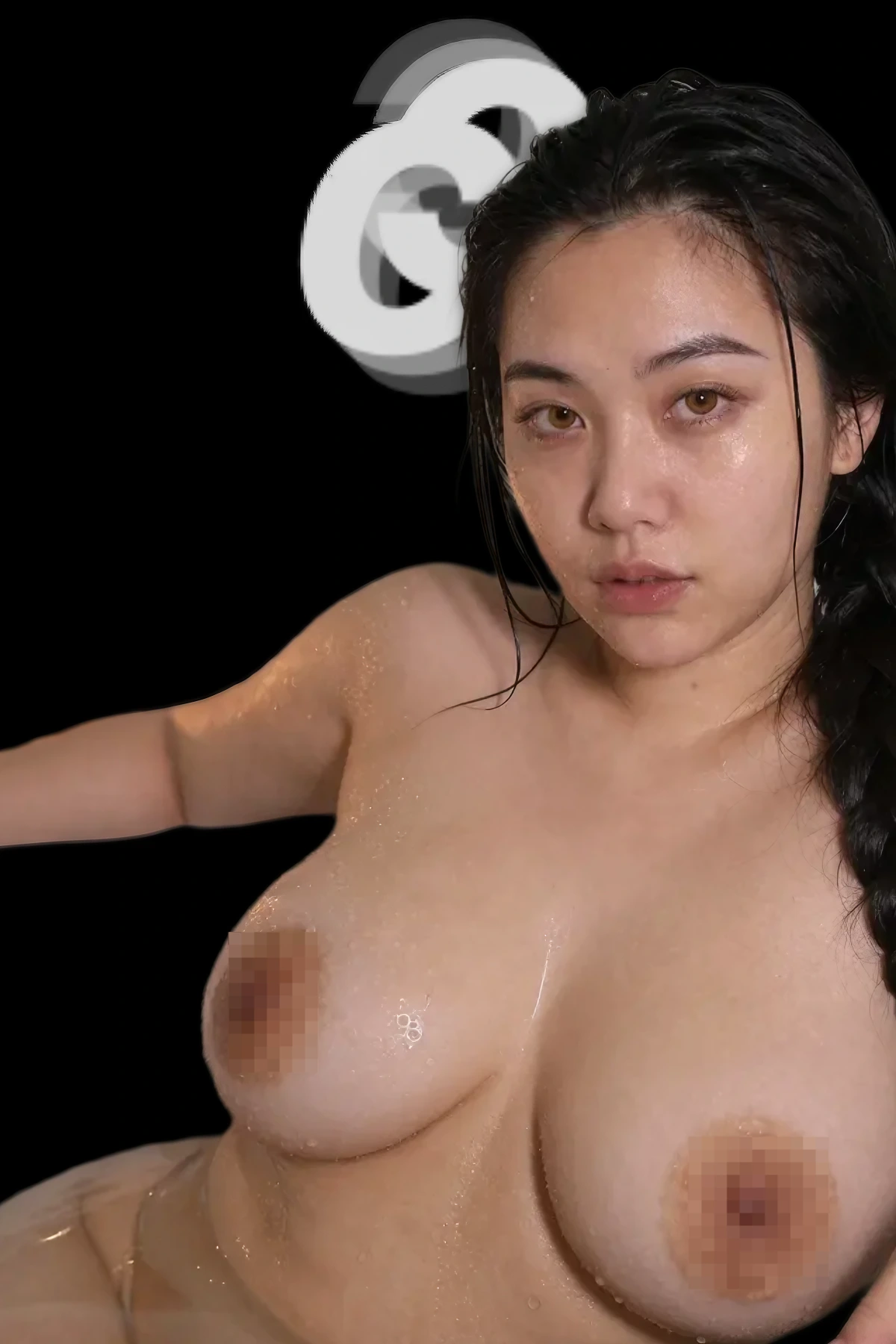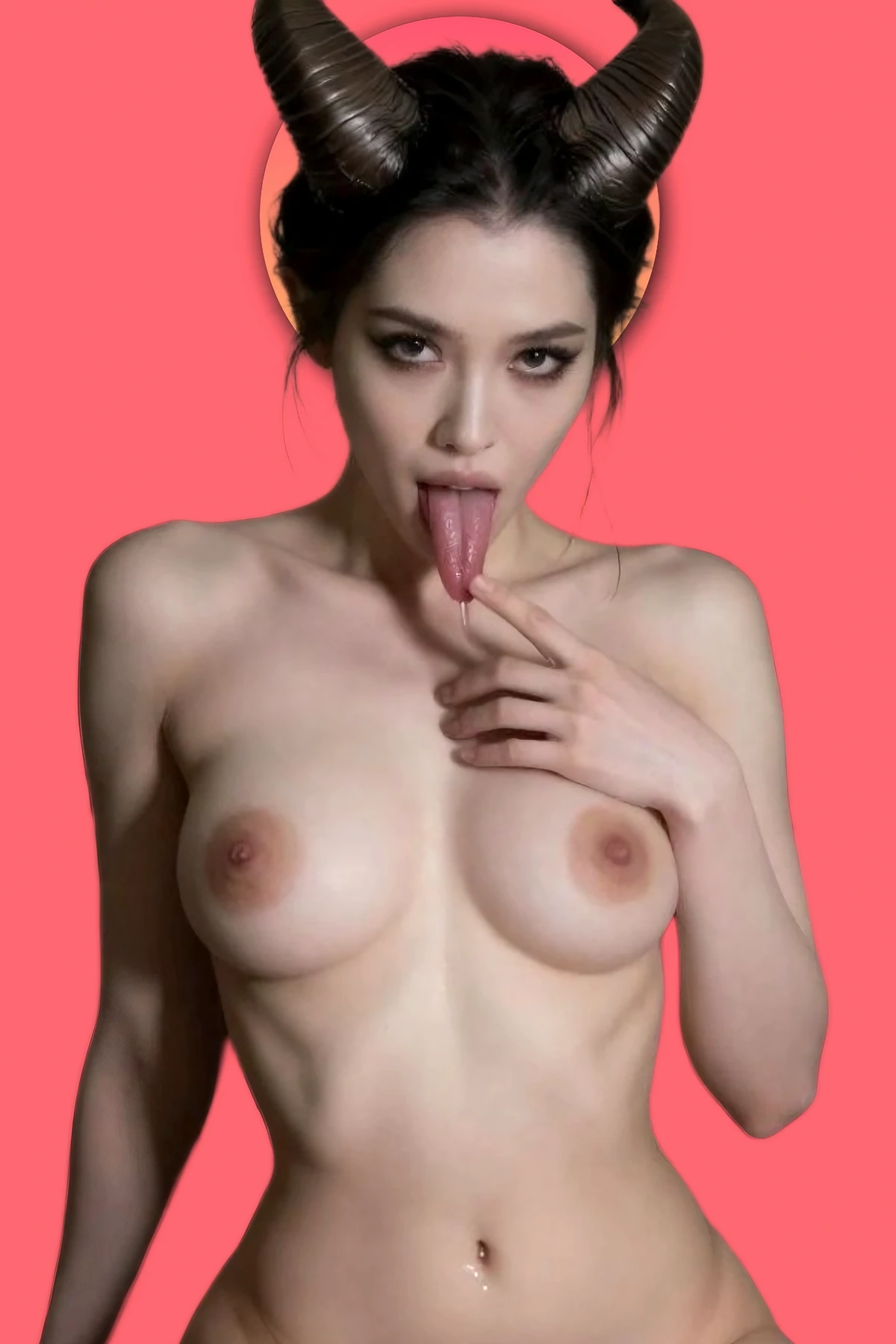
I burned a lot of credits before I figured this out. You find an image, the skin looks right, the light hits the collarbone exactly how you wanted, and you sit typing adjectives at a generator hoping one lands. Twelve tries later, twelve near misses and a lighter wallet.
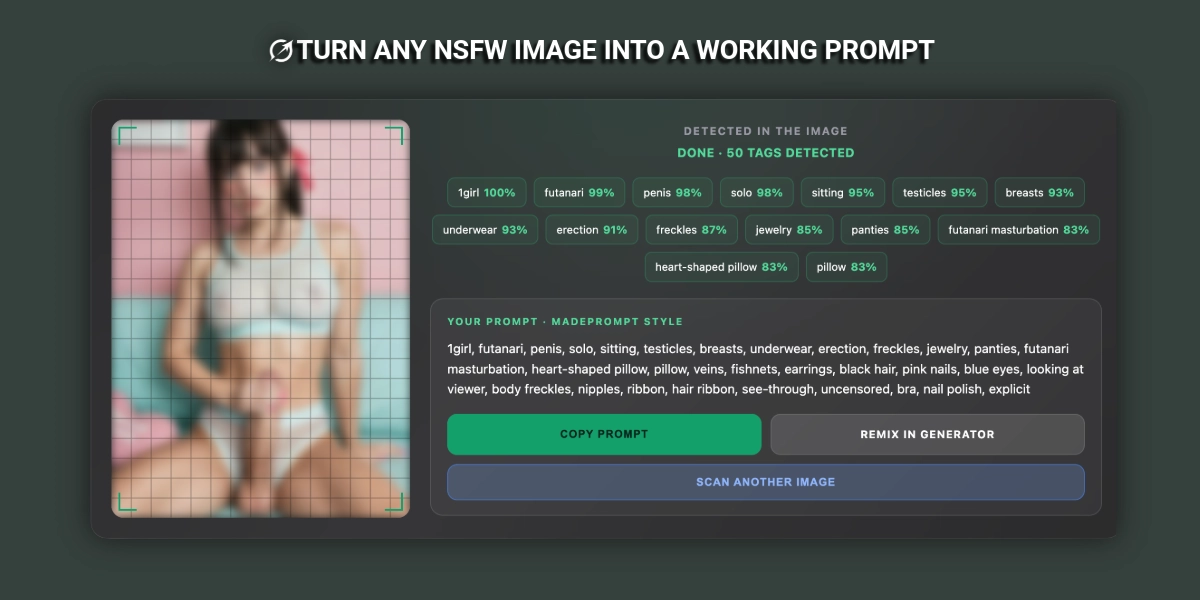
Quit guessing. Read the image instead. Drop it into the free image to prompt tool and you get back the tag list that describes it in about ten seconds. That is a starting line, not a finish line. The second half of this piece is the part nobody explains: what you add back after the scan, because a raw extraction rarely recreates the original on its own.
Run the prompt on PornWorksFree tier. Paste the tags straight from the scan and generate.→
Nothing you drop in ever leaves your machine
This matters more for 18+ images than anything else, so let me be specific. The scanner is a WD14 tagger running in your own browser. The model downloads to you, the math happens on your hardware, and your image is never uploaded, never stored, never seen by any server. No login, no email, no card. Close the tab and nothing is left behind. That is why I built the image to prompt page client side instead of the easy way.
The tradeoff: the first scan is slow because the model has to download. A progress bar shows where you are. After that it is cached and every scan is instant.
Feed it clean, get clean back
The tagger reads pixels. Give it bad pixels, it invents.
Common fail
A 400px screenshot of a phone screen, three people in frame, a watermark across the hip. Output comes back with “multiple girls”, “text”, “blurry”, and none of the detail you cared about.
Fix: crop to one subject, one scene. Feed at least 768px on the short edge. Crop the watermark out, do not hope it gets ignored. If the pose is what you want, crop tight on the body and scan that separately.
Why the extracted prompt does not recreate the image
Here is what trips up everybody. A tagger tells you what IS in the frame. It cannot tell you what MADE the frame. It sees a woman, blonde hair, on her back, window. It has no clue the original used an 85mm lens at f/1.4, hard rim light from camera left, a photoreal SDXL checkpoint at 30 steps, and a seed nobody will share.
So the scan hands you subject and composition. You supply the craft. Four blocks, every time:
- The lighting clause. Name the source, the direction and the quality. “hard rim light from behind, warm falloff, deep shadow across the near cheek” beats “good lighting” by a mile.
- Camera and lens. “shot on 85mm, f/1.8, shallow depth of field, waist level angle”. This is what makes an image read photographed, not drawn.
- Style and render tags. Photoreal or anime, and how hard. “raw photo, skin texture, visible pores, film grain” for realism. “clean lineart, cel shading” for 2D.
- The negative block. The line that kills the usual garbage: extra fingers, fused limbs, watermark, text, plastic skin, blur.
If that vocabulary is new to you, the NSFW prompt dictionary defines the whole lot with examples.
One image, before and after
Raw output from a scan, exactly as it came:
“1girl, solo, blonde hair, long hair, large breasts, nude, lying, on back, bed, indoors, window, looking at viewer, blush, nipples, spread legs, realistic”
Run that as is and you get a flat, waxy, badly lit body on a bed. Every time. Now the same image described the way an adult would describe it.
Example prompt
“raw photo, one adult woman, solo, long blonde hair, nude, lying on her back across white rumpled sheets, knees apart, looking straight at the camera, soft blush, morning window light from the left, warm falloff, deep shadow along the far cheek and ribs, shot on 85mm at f/1.8, waist level angle, shallow depth of field, visible skin texture and pores, fine film grain, muted natural color grade. Negative: extra fingers, fused limbs, deformed hands, plastic skin, airbrushed, watermark, text, logo, blur, lowres, bad anatomy.”
Same subject. Same composition. The difference sits entirely in the four blocks the tagger could never see.
Build it, do not type it from memory
You do not have to write those clauses yourself. Take the extracted tags, drop them into the free prompt generator and it wraps your subject in the lighting, camera, style and negative blocks for you. Free, no login, instant. It is where I start every build. The scan gives you the what. The generator gives you the how.
Two habits after that. First, when a prompt lands, run the result back through the image to prompt scanner and compare the tags to what you asked for. Anything missing is a clause the model ignored, so weight it harder. Second, when you are stuck for structure, read what works: the Prompt Center runs into the thousands, and every entry is tagged by lane, so you only read the ones that match your model. Steal the skeleton, swap the subject.
Reverse engineering is not cheating. It is just refusing to guess.