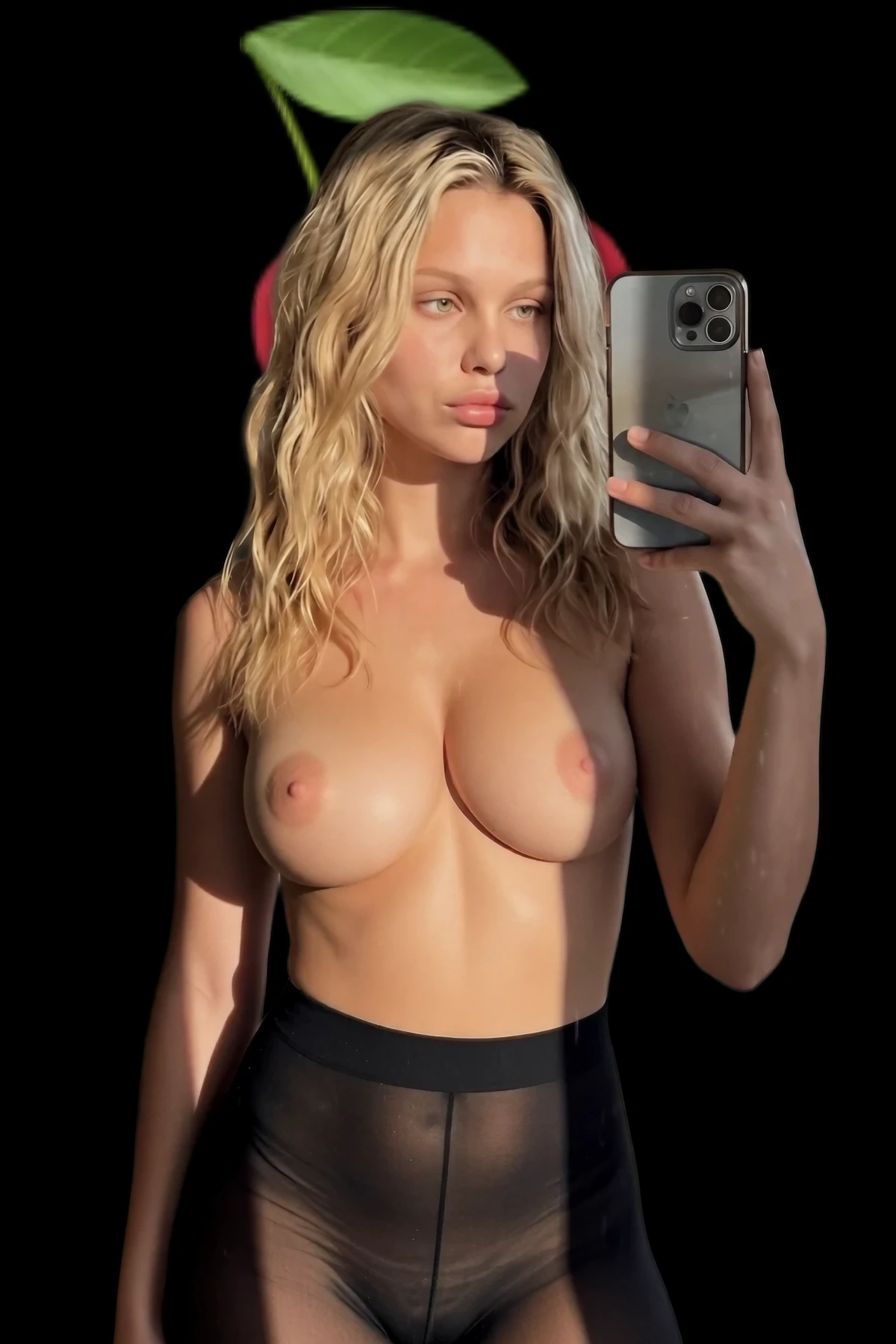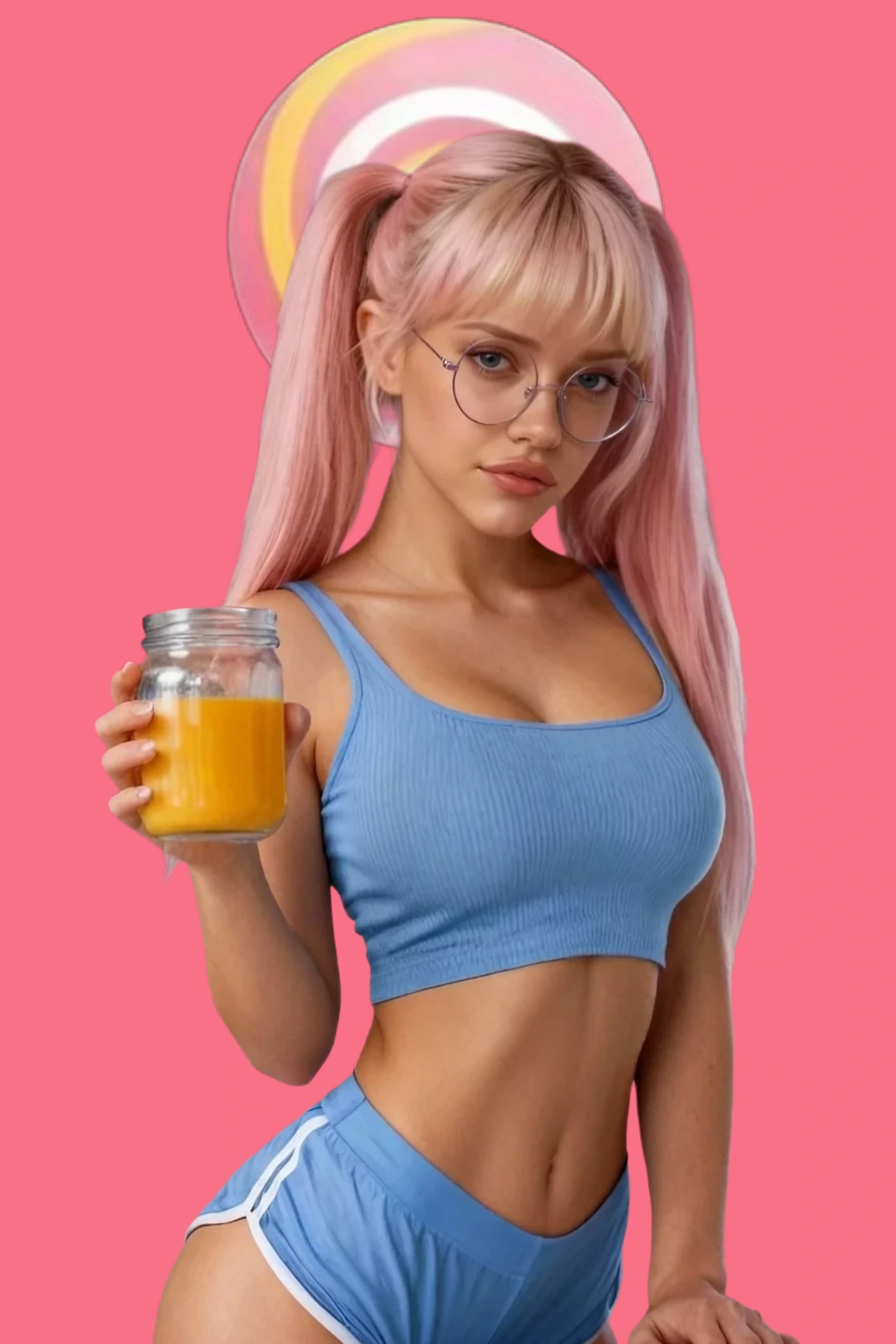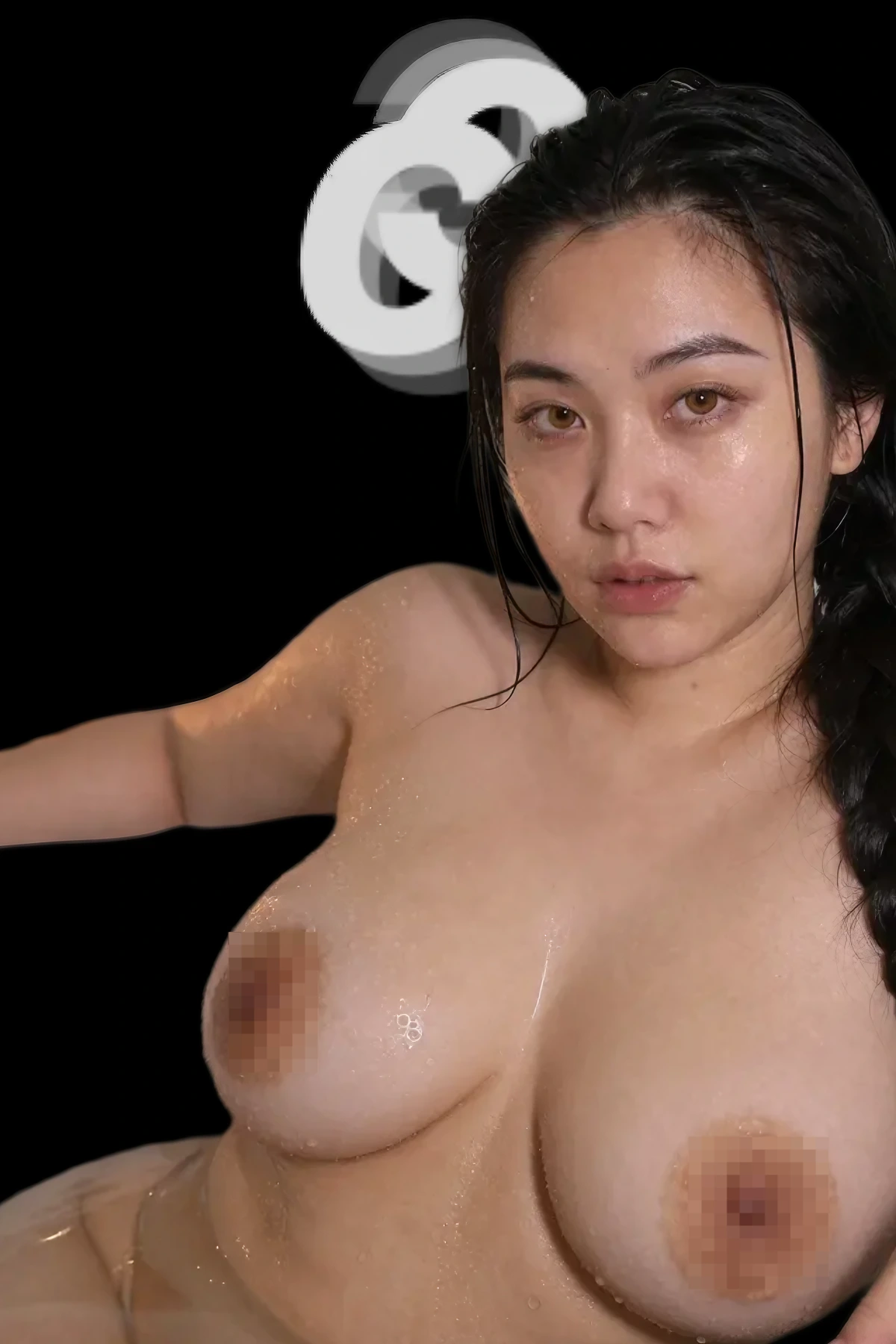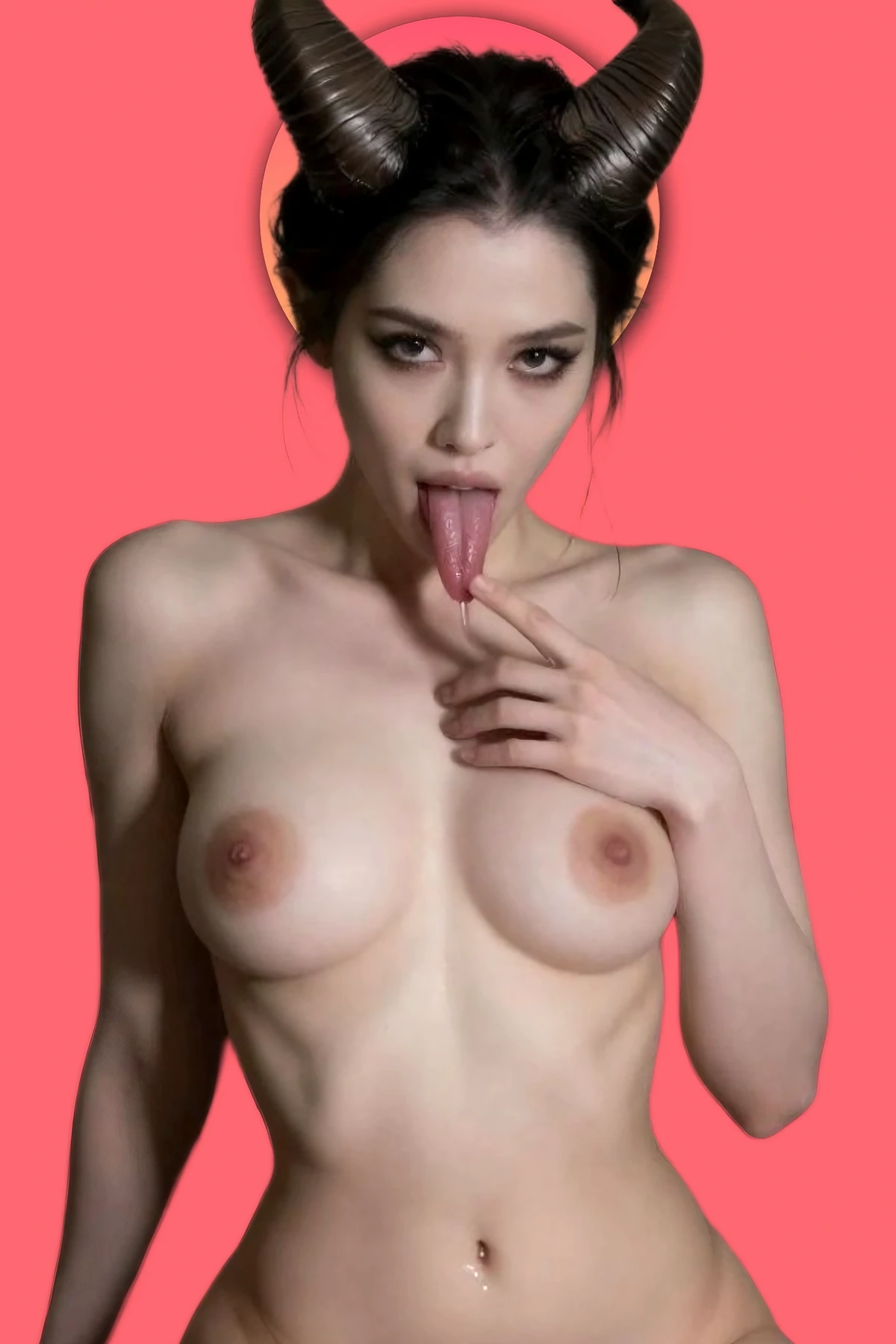
I’ve written more NSFW prompts than I’d ever admit out loud. Thousands. Most of the early ones were garbage one-liners that spat back melted faces and seven-fingered hands. Then I stopped writing sentences and started building layers. That’s the whole trick. A good prompt isn’t a wish, it’s a stack.
Here’s the exact method I use every day, the one that turns hit-or-miss into save-this-one. No theory. Just the layers, in order, with the fails that trip everyone up.
Why One-Liners Die
Type “hot girl on a bed” and the model fills the blanks with averages. Average pose, average light, average everything, plus whatever junk it picked up in training. You’re not directing, you’re hoping. Layering takes the wheel back. Each layer answers one question the model would otherwise guess wrong.
Layer 1: The Subject
Who she is. Age (18+, always), build, hair, one personality cue. Specific, not robotic.
Common fail
Vague subject, generic face you’ll never remember.
Fix
Lock age, body type, hair, and a vibe. Example: “stunning 24-year-old brunette, athletic curves, messy bedhead, confident smirk.”
Layer 2: Action and Pose
What she’s doing and how she’s framed. This is where lazy prompts stay flat.
Common fail
Stiff mannequin poses, dead eyes.
Fix
Describe weight and intent. Example add: “lying back on silk sheets, back arched slightly, one hand sliding into her hair, half-lidded eyes.”
Layer 3: Setting and Light
Light is half the mood. Name it or the model defaults to flat and gray.
Fix
Example add: “dim bedroom, warm practical lamp, soft glow through the blinds.”
Layer 4: Camera and Style
Give it a lens and a lane. Photoreal or anime, pick one. Mixing them muddies the whole image.
Fix
Example add: “shallow depth of field, portrait lens, photorealistic, cinematic color grading.” For anime, swap in “detailed anime style, soft cel shading” and commit fully.
Layer 5: Quality Boost
A few proven tags, not a salad. Stack thirty quality words and they cancel each other out.
Fix
Example add: “ultra realistic, 8k, sharp focus, detailed skin texture.” That’s enough.
Layer 6: The Negatives Everyone Skips
This is where bad hands and watermarks go to die. A positive prompt can’t fix anatomy on its own. A negative prompt can. Skipping this layer is why your hands look like they lost a fight.
Fix
Drop a negative line: “deformed, bad anatomy, extra fingers, fused fingers, mutated hands, watermark, text, lowres, blurry, worst quality.”
Put the Stack Together
Here’s all six layers as one image prompt, ready to paste:
“Stunning 24-year-old brunette, athletic curves, messy bedhead, confident smirk, lying back on silk sheets, back arched slightly, one hand in her hair, dim bedroom, warm practical lamp, soft glow through the blinds, shallow depth of field, portrait lens, photorealistic, cinematic color grading, ultra realistic, 8k, sharp focus, detailed skin texture. Negative: deformed, bad anatomy, extra fingers, mutated hands, watermark, text, lowres, blurry.”
Want it moving? For video, add motion and kill the still-only noise: “slow grinding hips, natural movement, smooth motion, seamless loop.”
Run the whole stack on ClothOffFree tier, advanced prompts, image and video.→
The Shortcut I Actually Use
Honest part. I don’t hand-type six layers every single time. I built MadePrompt’s free generator to do exactly this. Pick a category, drop in your kink, and it stacks every layer for you, negatives included, in the order tools actually understand. Free, no login, instant. I still tweak the output, but it gets me 80% there in one click.
Then I paste it wherever I’m playing that night. Promptchan for stills and hentai, DeepMode when I need face consistency, Candy AI for visuals mid-chat. Same layered prompt, sharper results everywhere.
Stop writing wishes. Build the stack, kill the junk in the negatives, and your outputs go from cursed to keepers. Late 2026, the tools are finally good enough that the prompt is the only thing standing between you and damn-near-perfect.